
Follow this step-by-step guide to create cells from multiple sites in Siradel Planner.
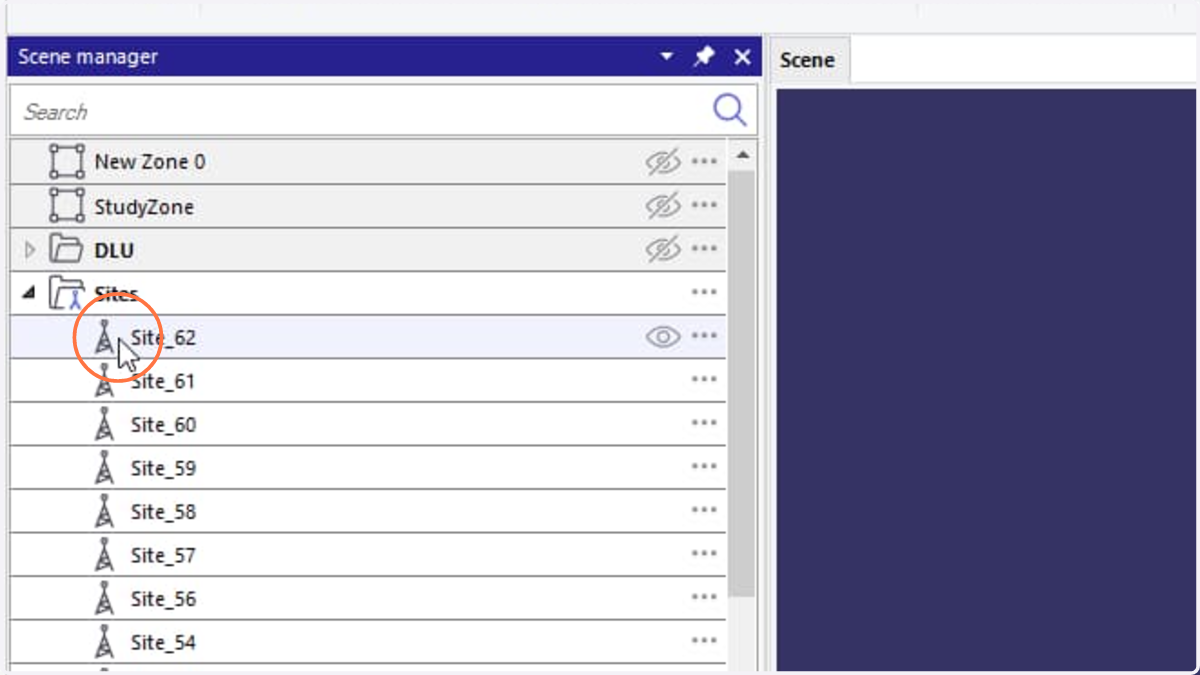
1. Click the first site that you want to create cell
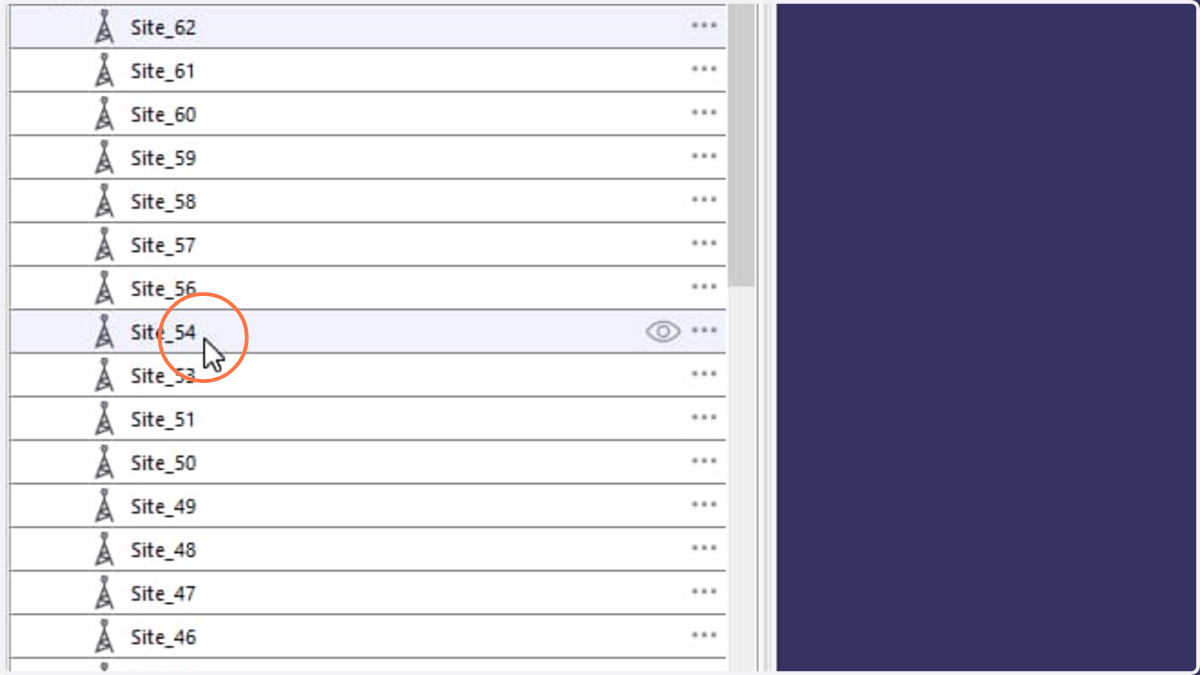
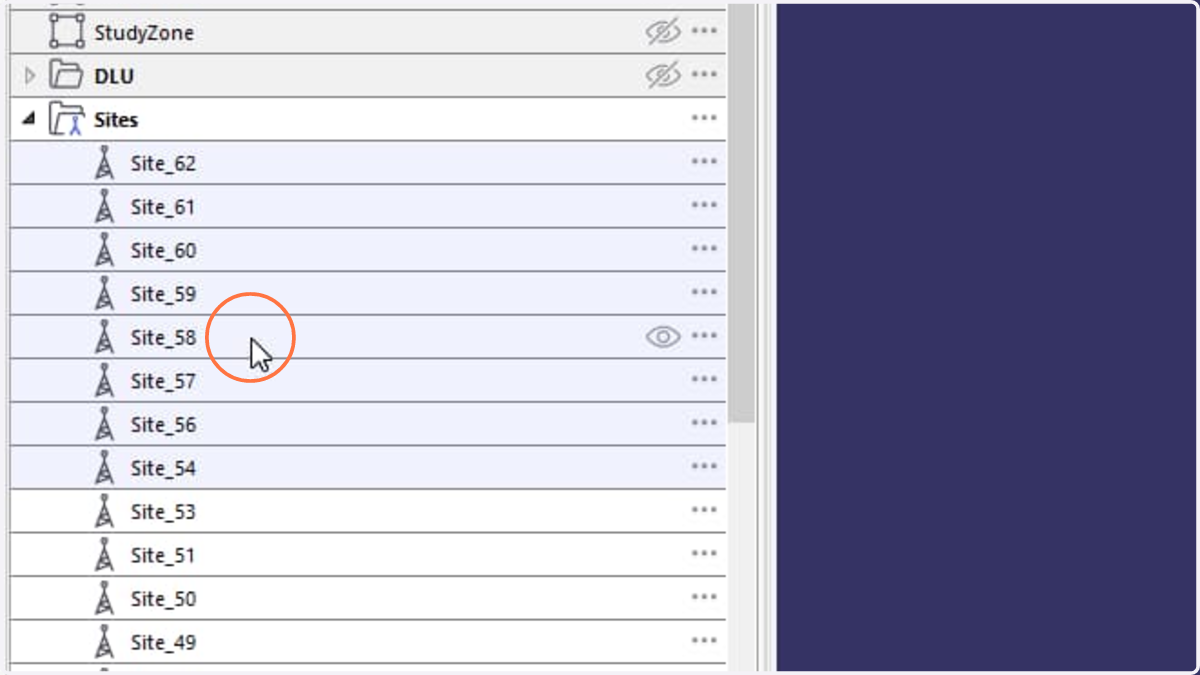
2. To select multiple sites, either hold Shift and click the last site to select all sites between the first and last selections, or hold Ctrl and click individual sites to select them separately.
3. Right click on any selected site
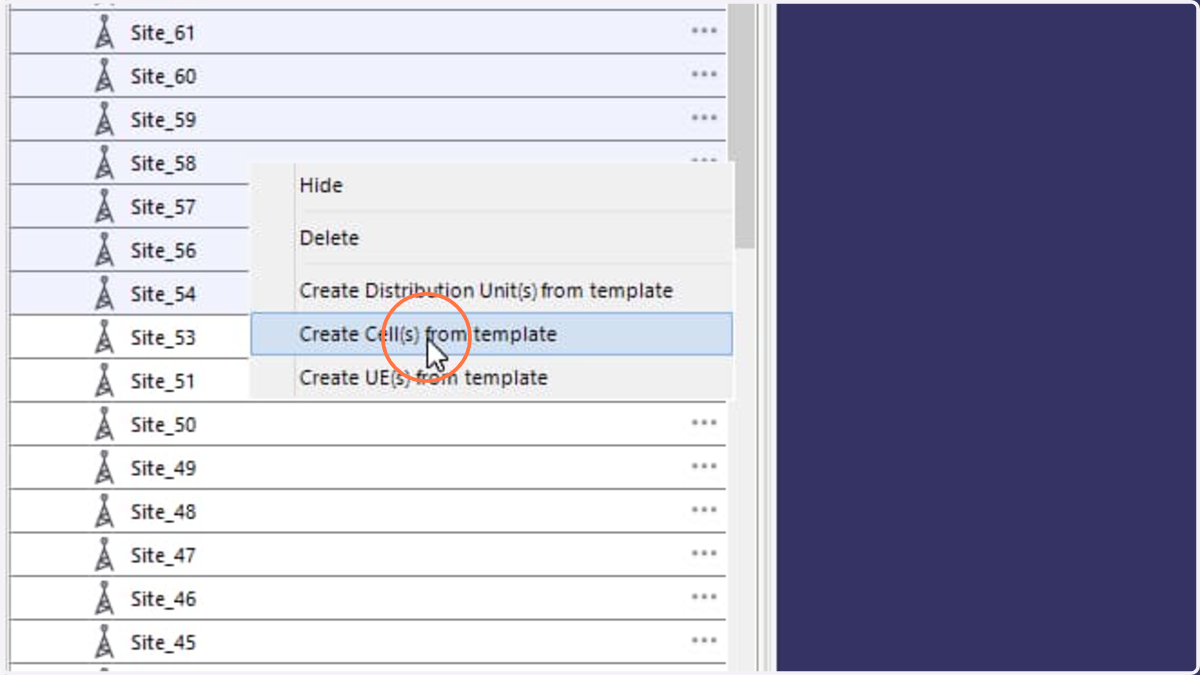
4. Select Create Cell(s) from template action
5. Cells corresponding to the selected sites are automatically created using the active cell template.