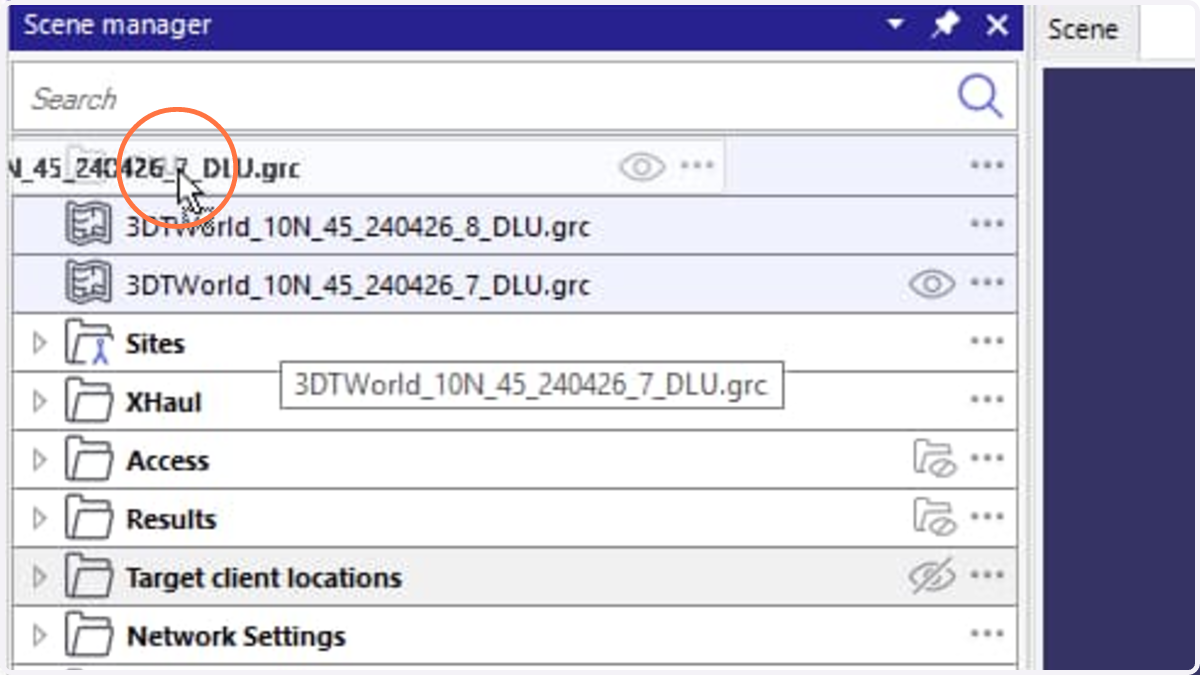
Follow this step-by-step guide to organize data layers in Scene Manager window in Siradel Planner.
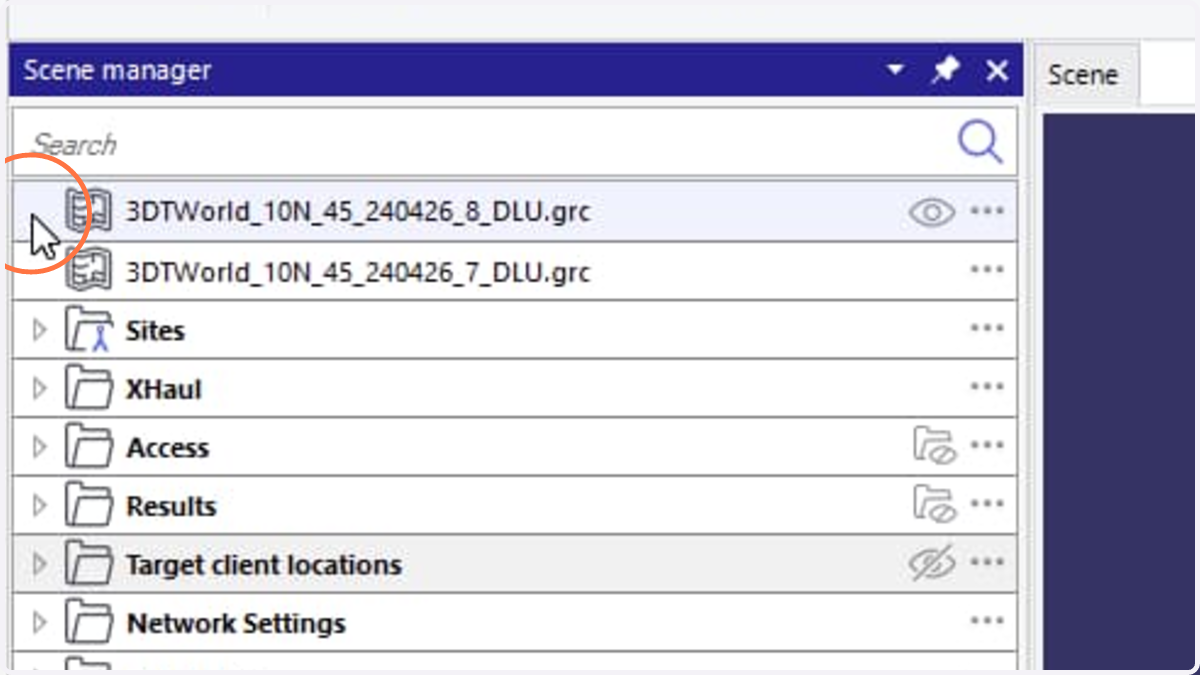
1. Right-click on the left side next to any data layer icon.
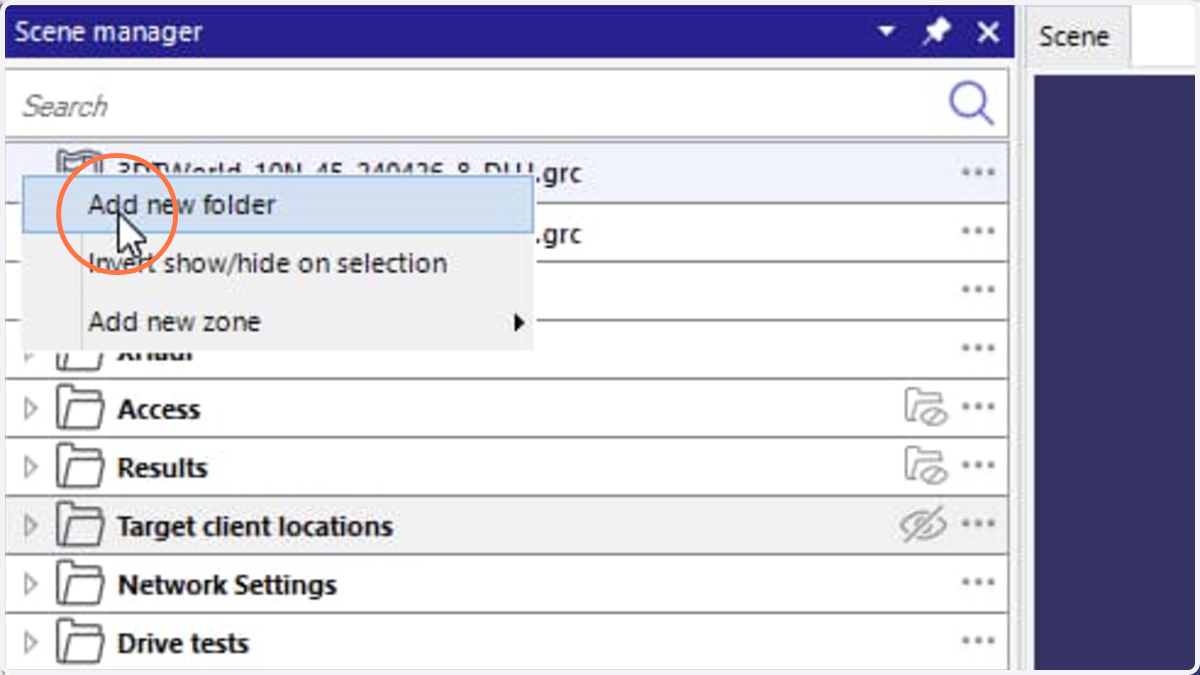
2. Select Add new folder action
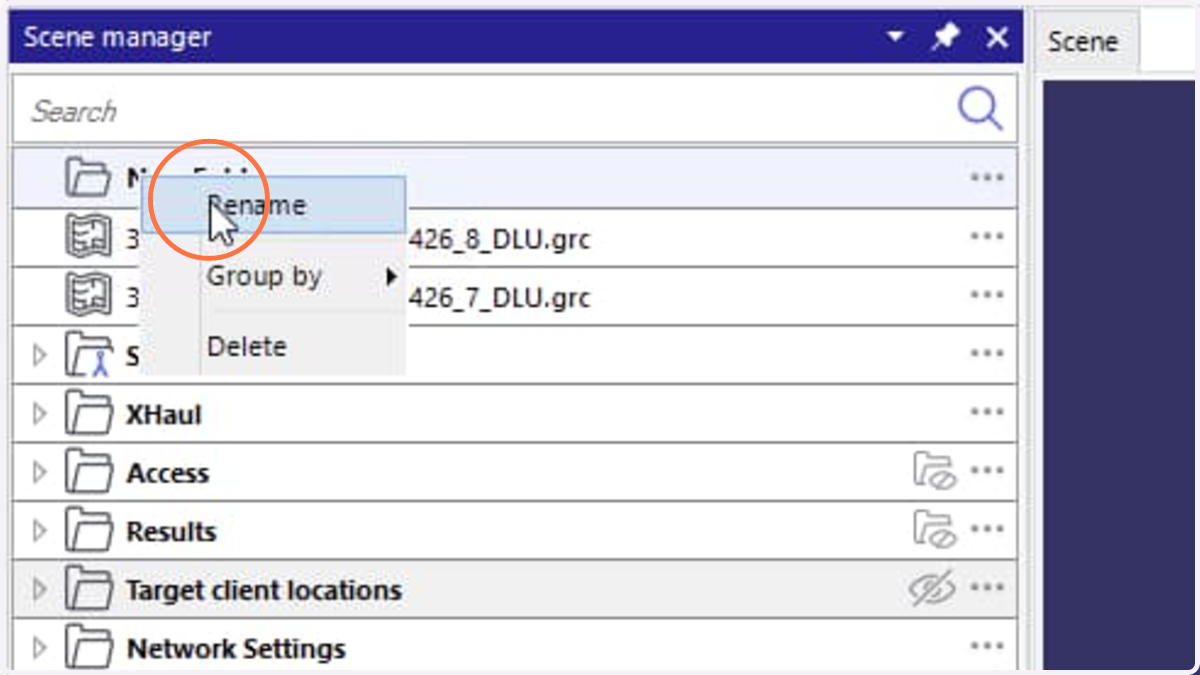
3. Right click New Folder
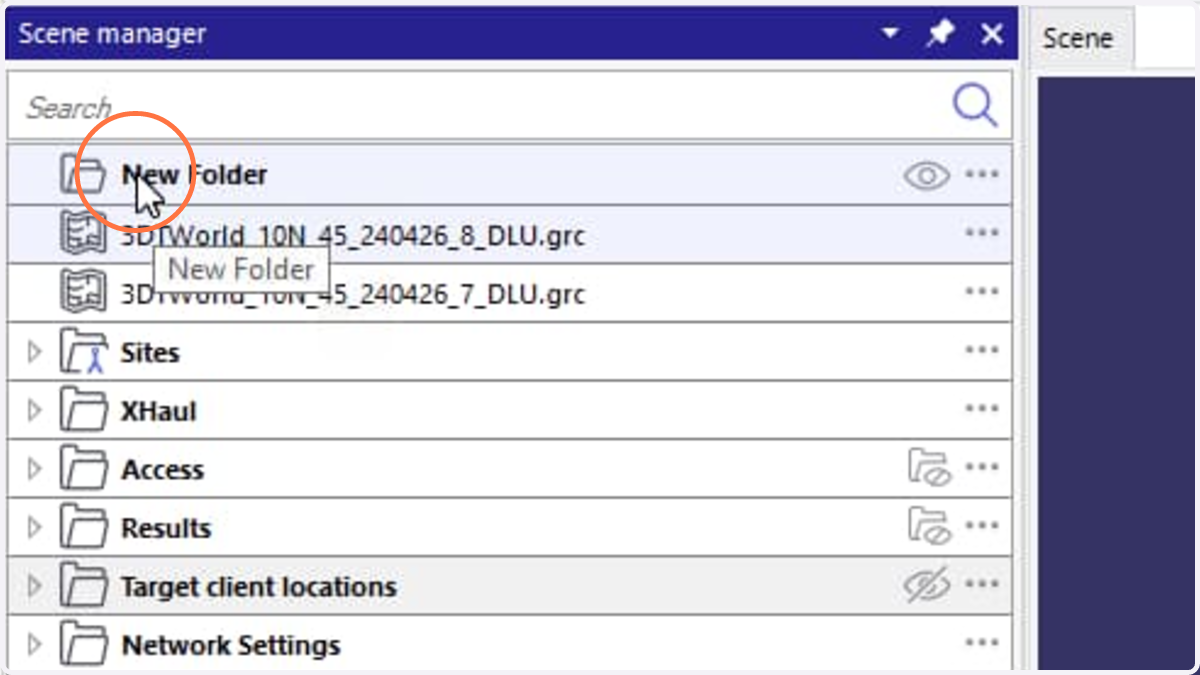
4. Select Rename action
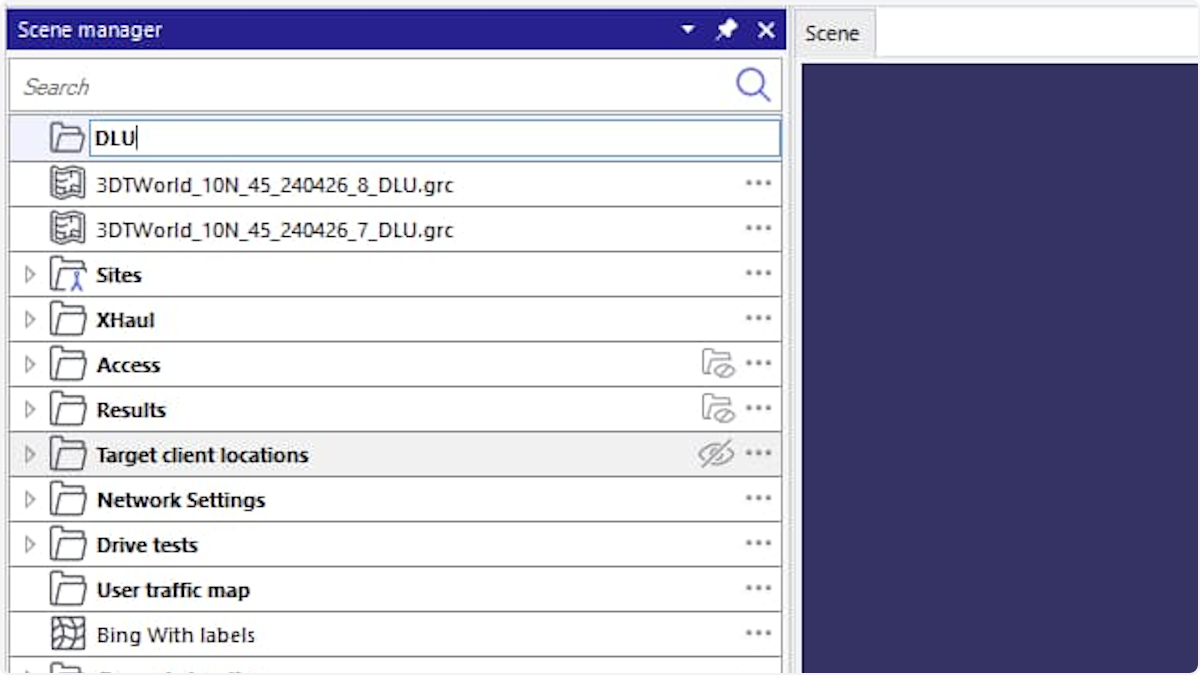
5. Type the new folder name and press Enter
6. To select multiple layers, either click the first layer, hold Shift and click the last layer to select all layers between the first and last selections, or hold Ctrl and click individual layers to select them separately.
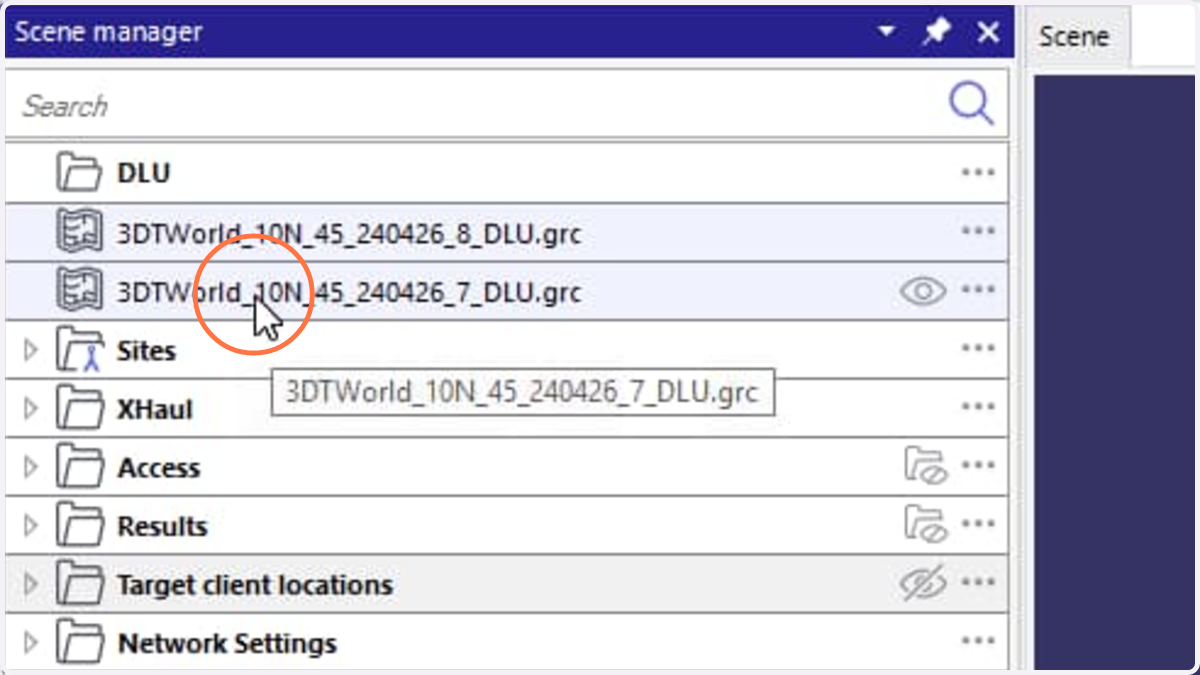
7. Drag the selected layers and drop them into the newly created folder.