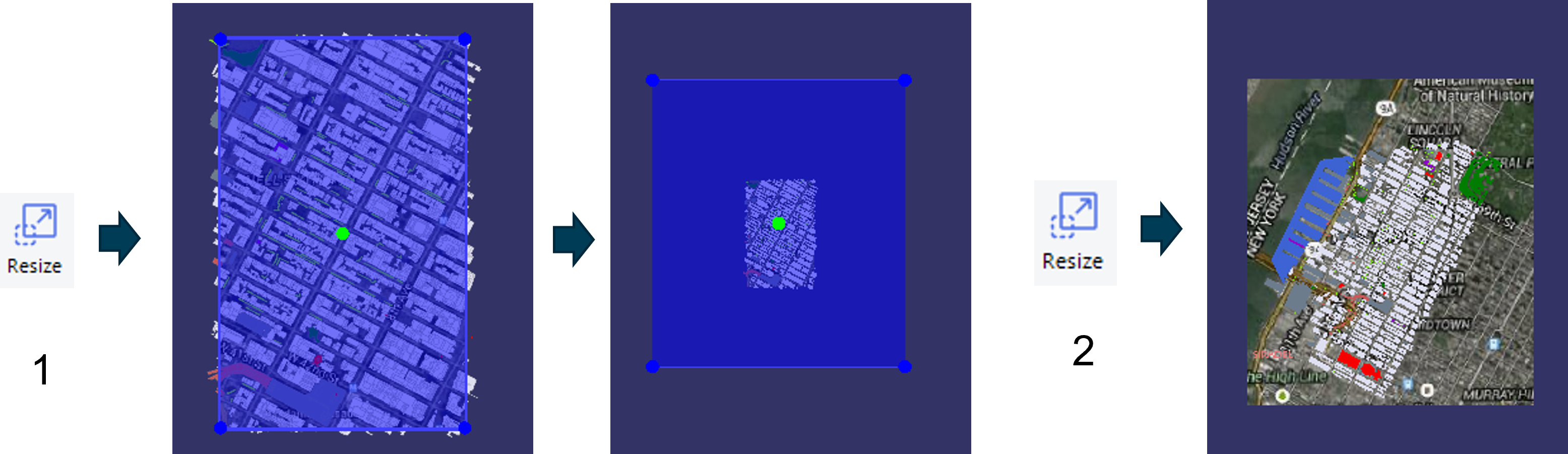
'Resize' enables to increase or decrease the working area that the user can visualize in
the 'Scene'
You can find the 'Resize' button in the 'Tools' tab.

-
Click on 'Resize' to select the geographical area
-
Click again on 'Resize' to validate