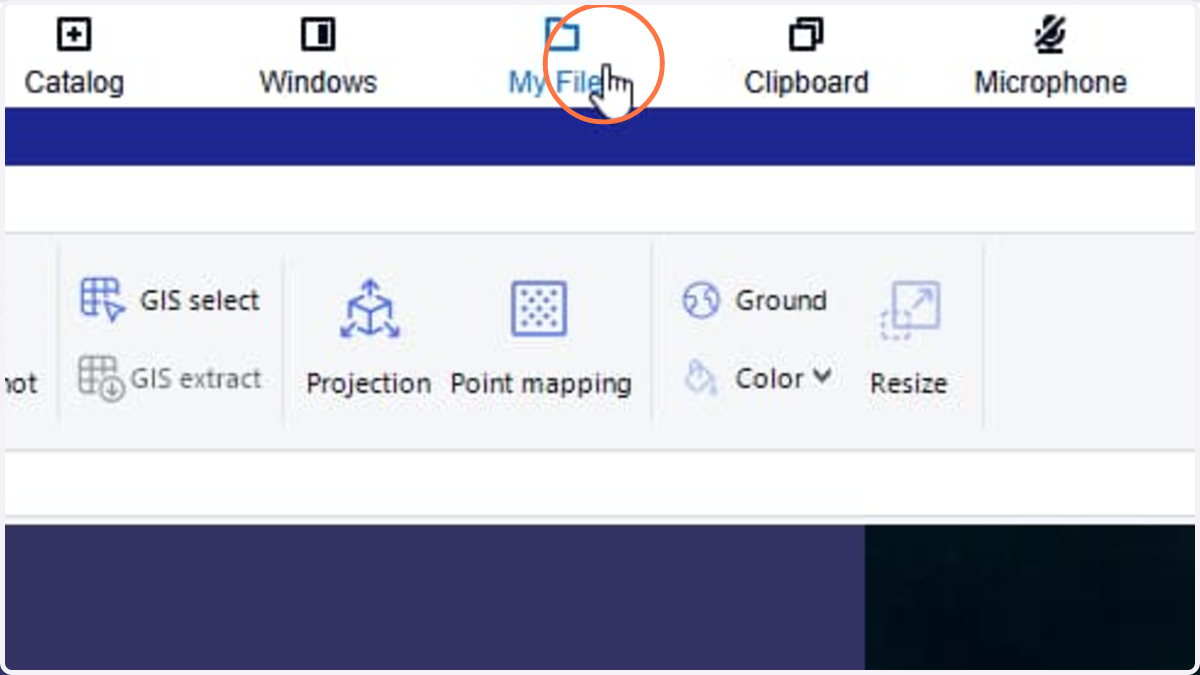
1. Click My Files dropdown
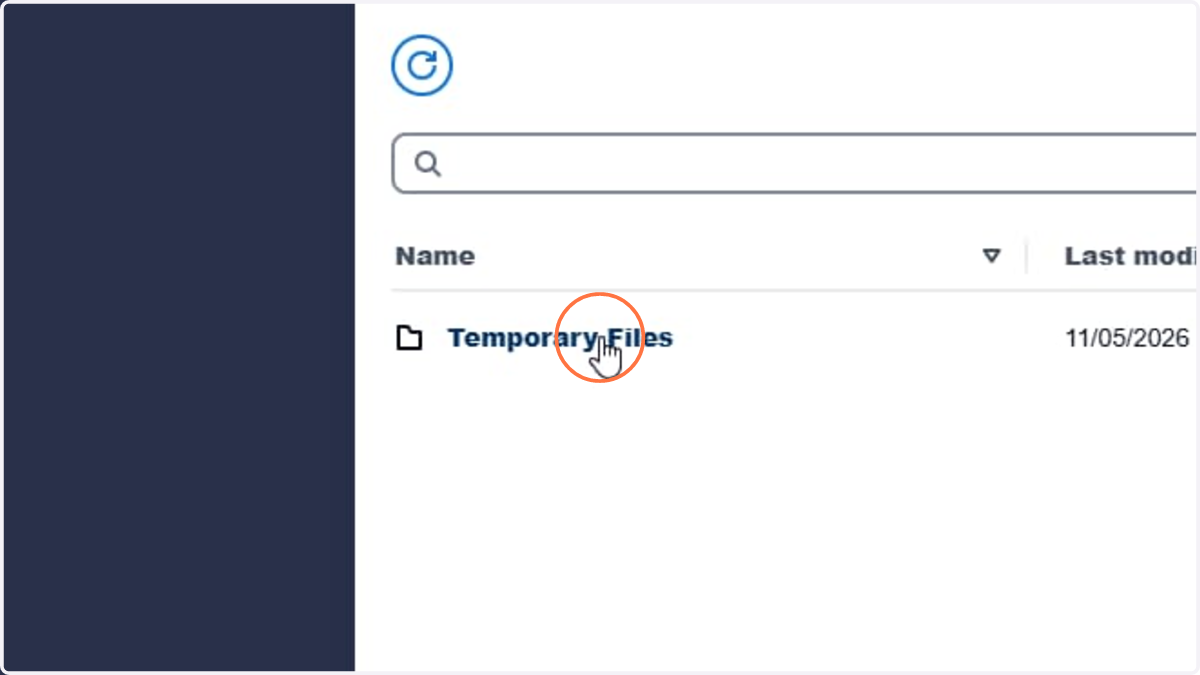
2. Click Folder Temporary Files
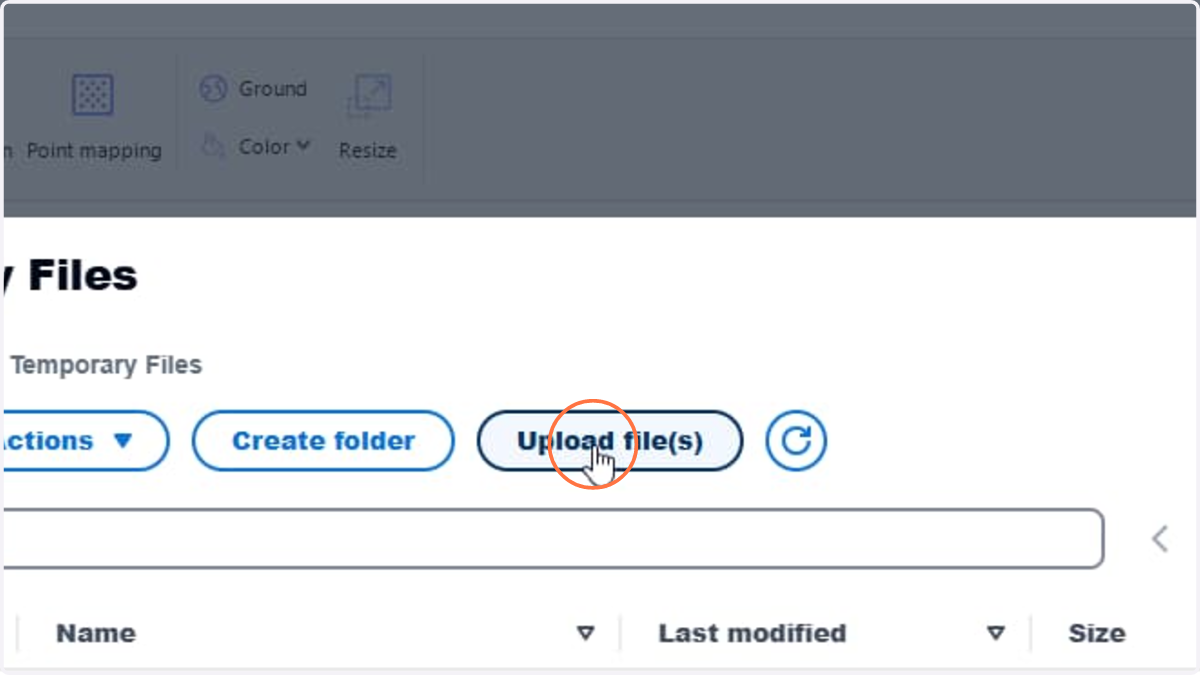
3. Click Upload file(s)
4. Select a file or multiple files to upload.
Tip: it is recommended to zip a folder and upload the compressed file.
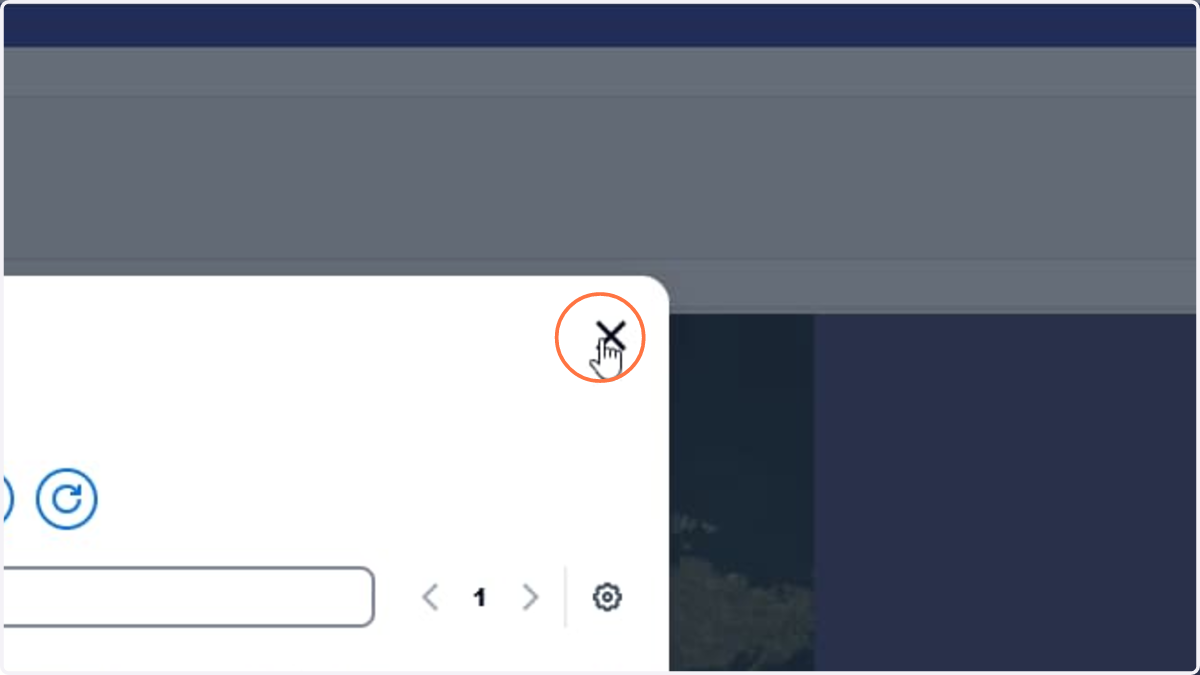
5. Once file(s) uploaded, click Close
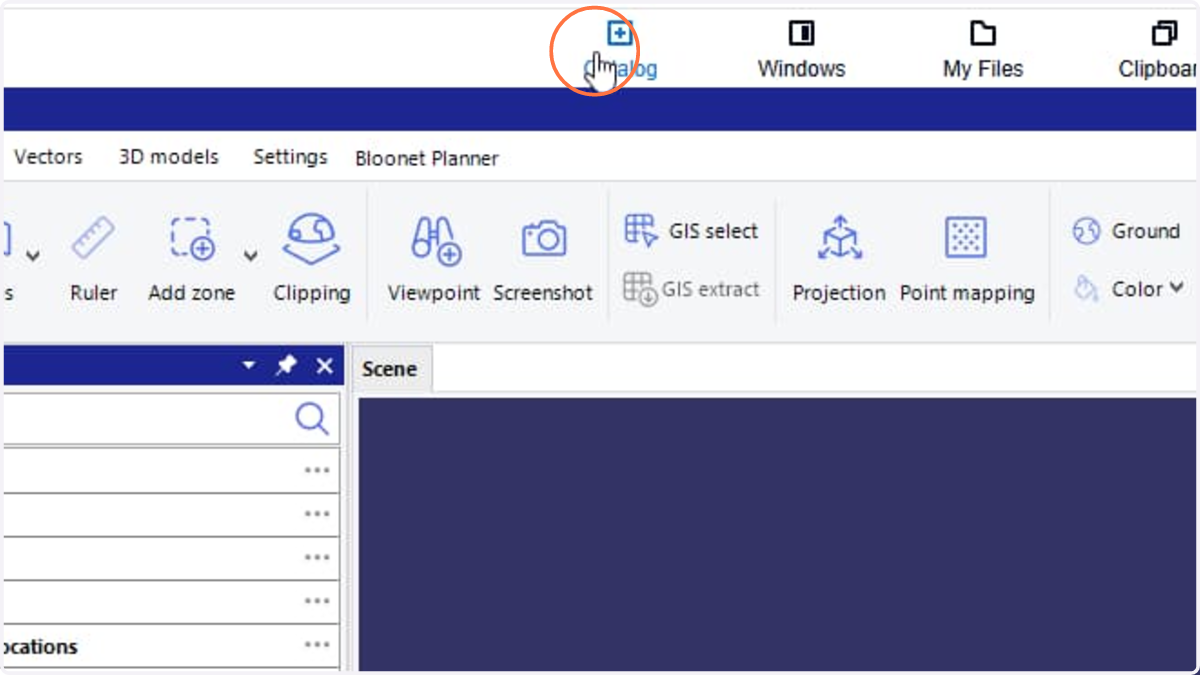
6. Click Catalog dropdown
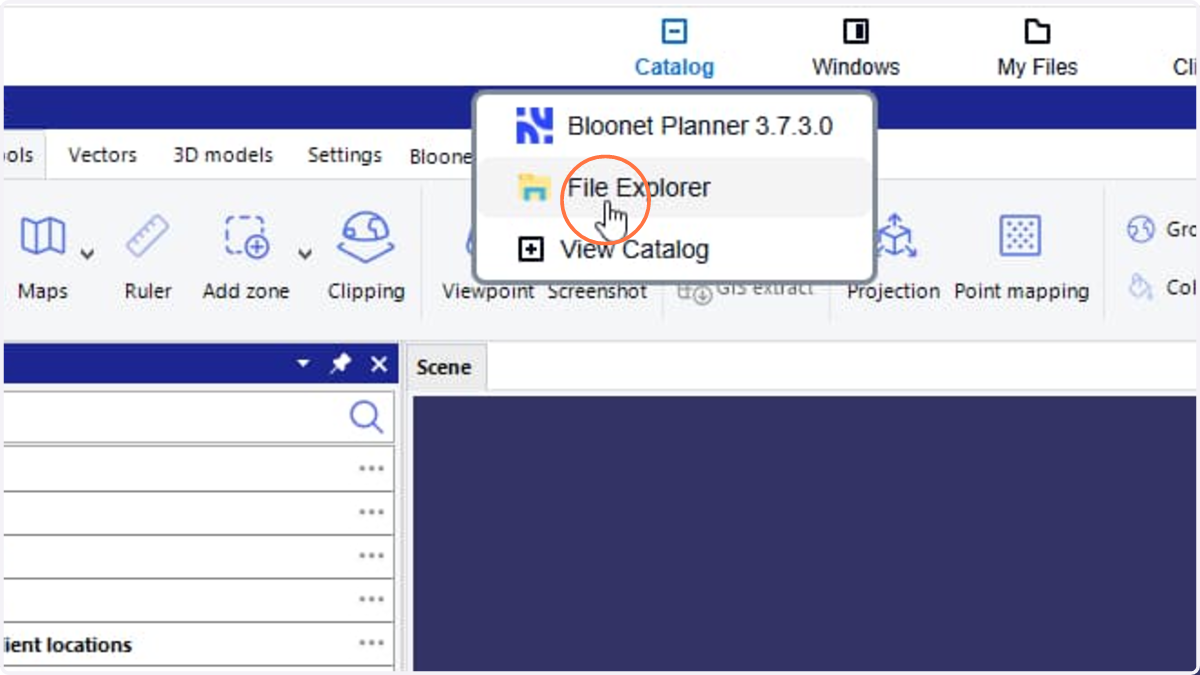
7. Click File Explorer menu
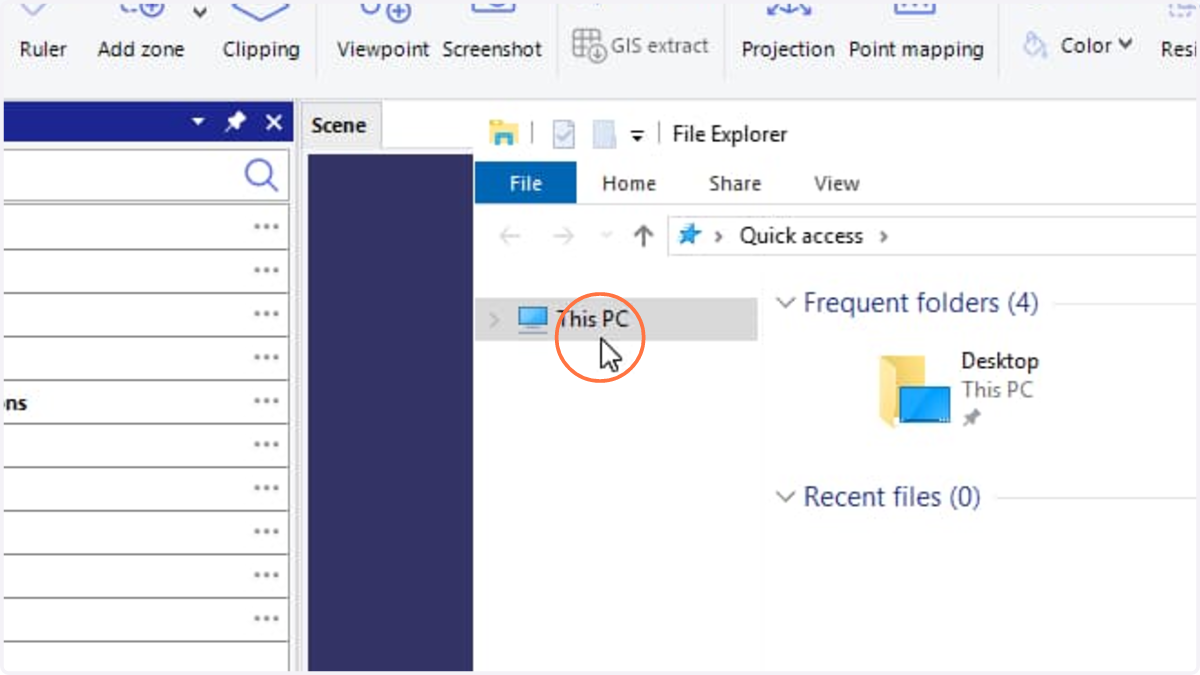
8. Click This PC
9. Double click Temporary Files
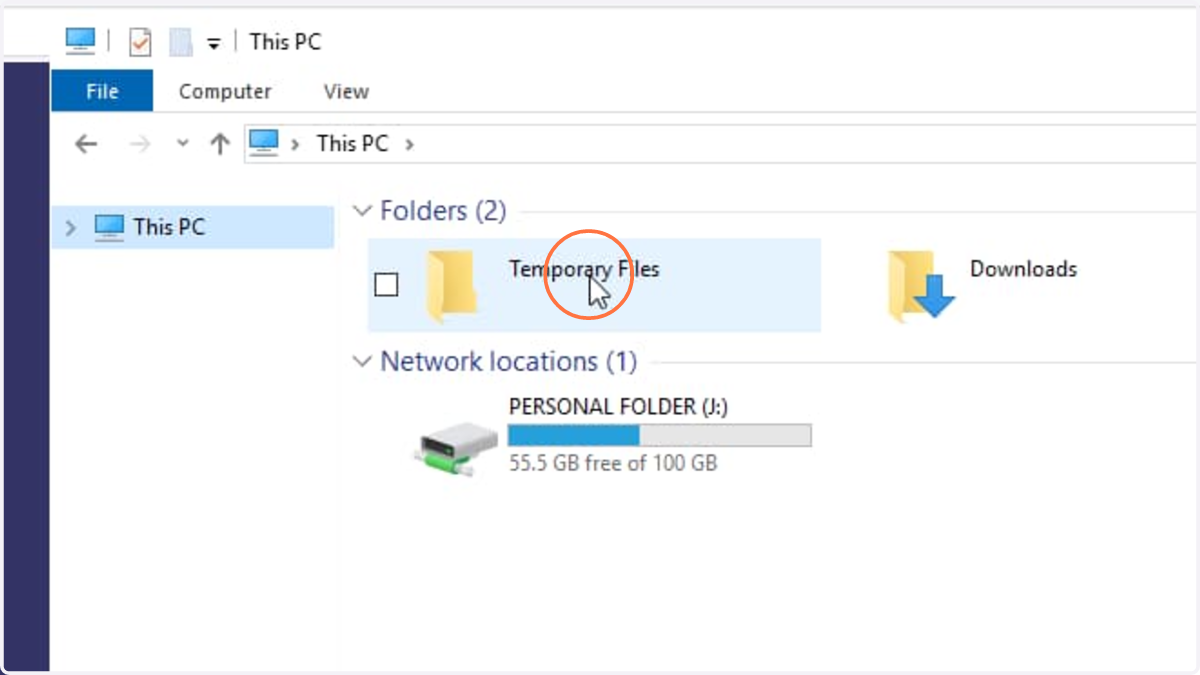
10. Press Ctrl + C to copy one or multiple files under Temporary Files folder.
Tip: After each SaaS session ends, all files in the Temporary Files folder will be deleted.
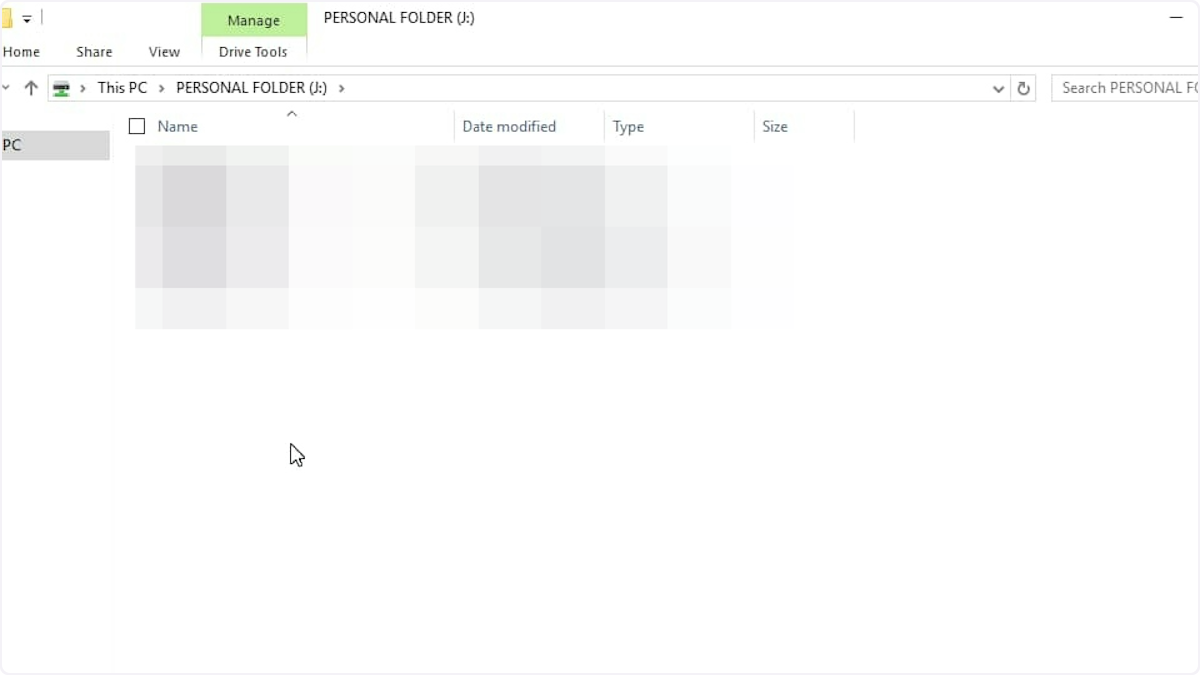
11. Click This PC
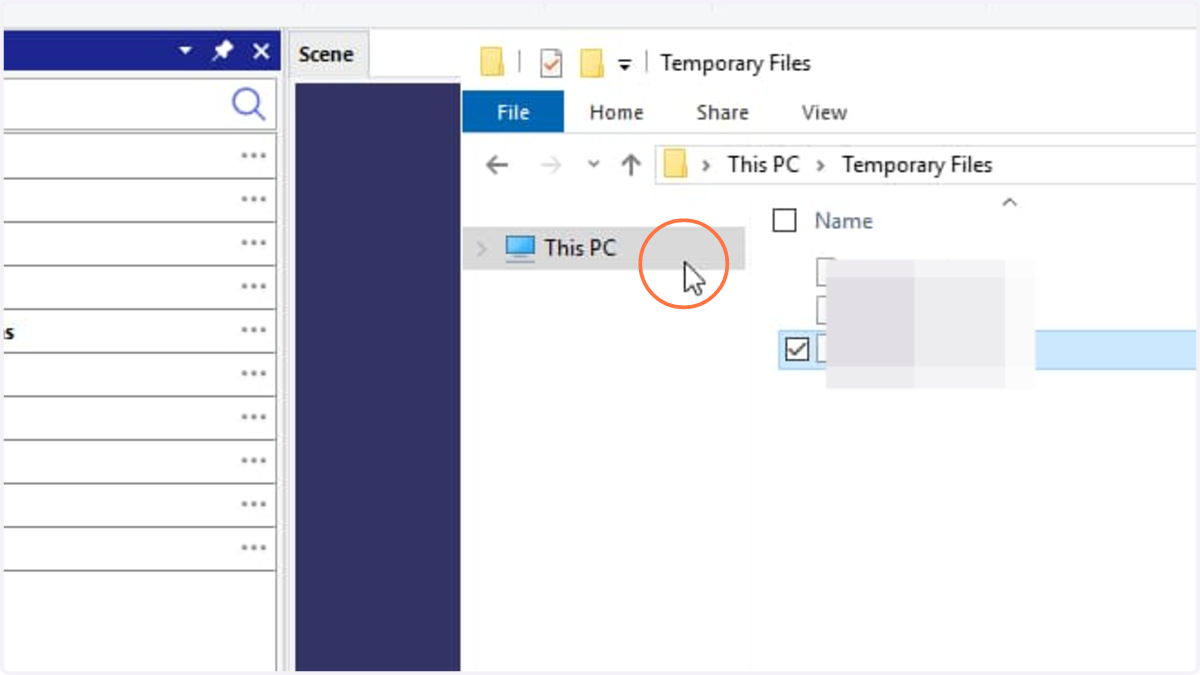
12. Double click PERSONAL FOLDER
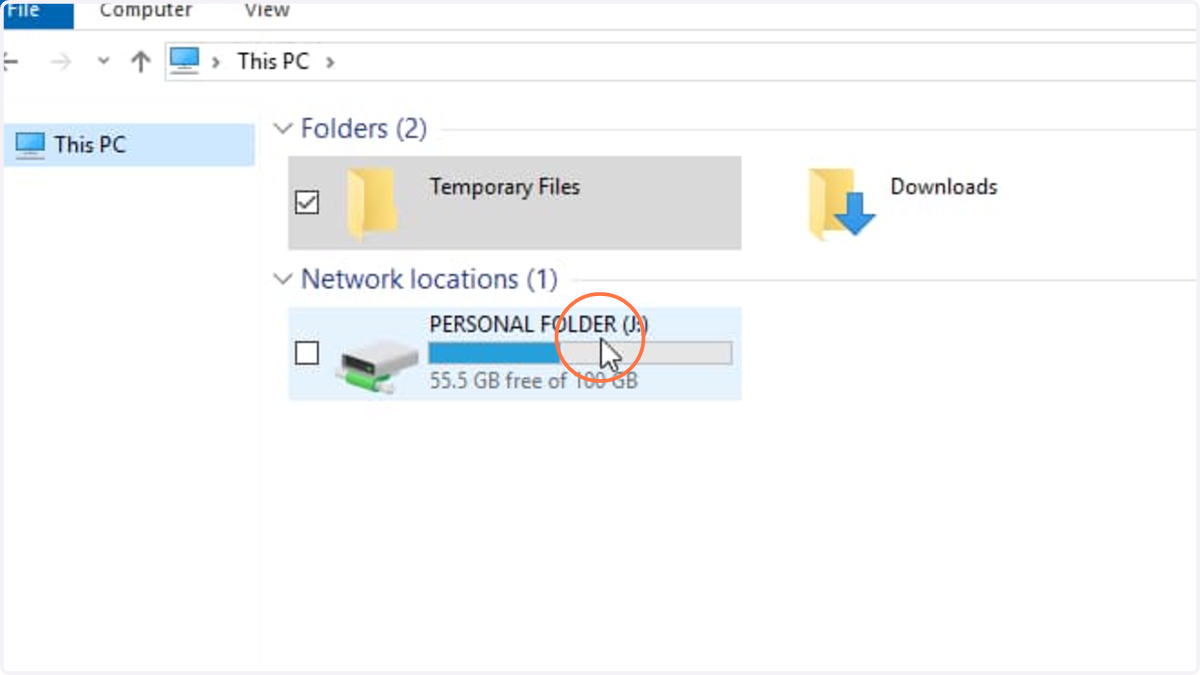
13. Select the target place and Press Ctrl + V to paste the file(s)