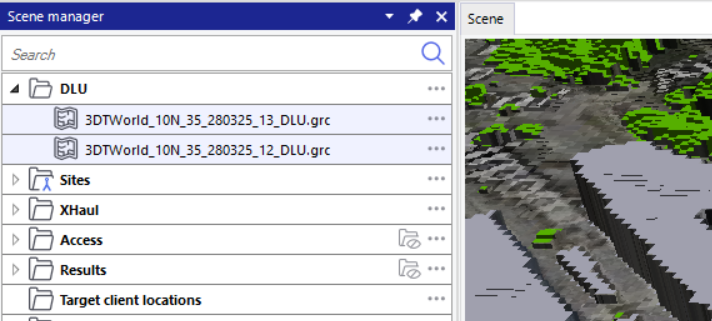
It is recommended to organise the map data layers in the 'Scene manager' after downloading them. It allows you to move, hide/unhide, or delete multiple layers in the folder at once.
The DTM and DHM layers are organised in the 'Ground elevation' folder by default.
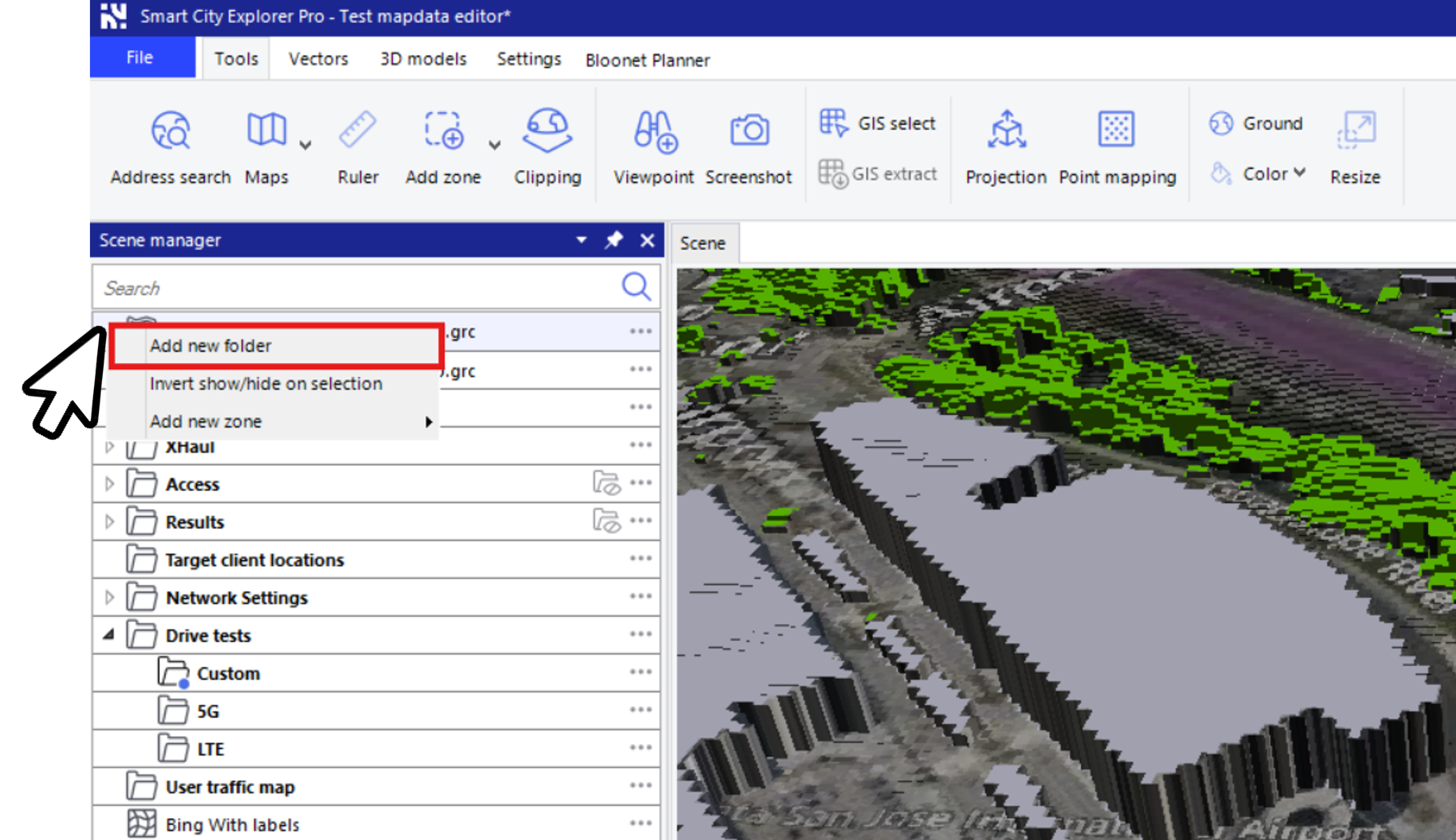
In order to group the DLU layers in a folder, right-click on the empty space to the left of any DLU layer in the Scene manager. Then, select 'Add new Folder', as shown in the image below.
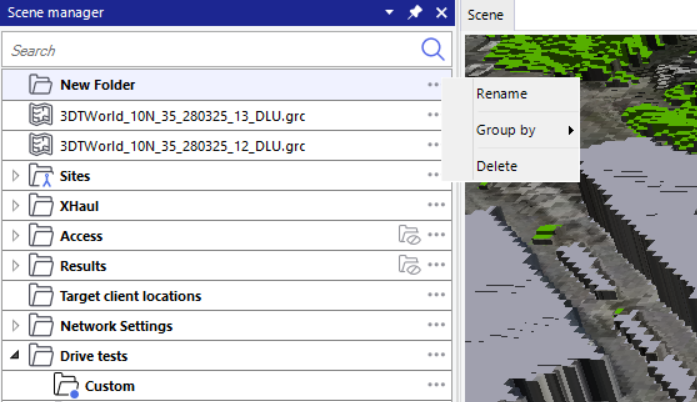
A 'New Folder' is created. You can go to options (...) and click on 'Rename' to give the folder any name you want.
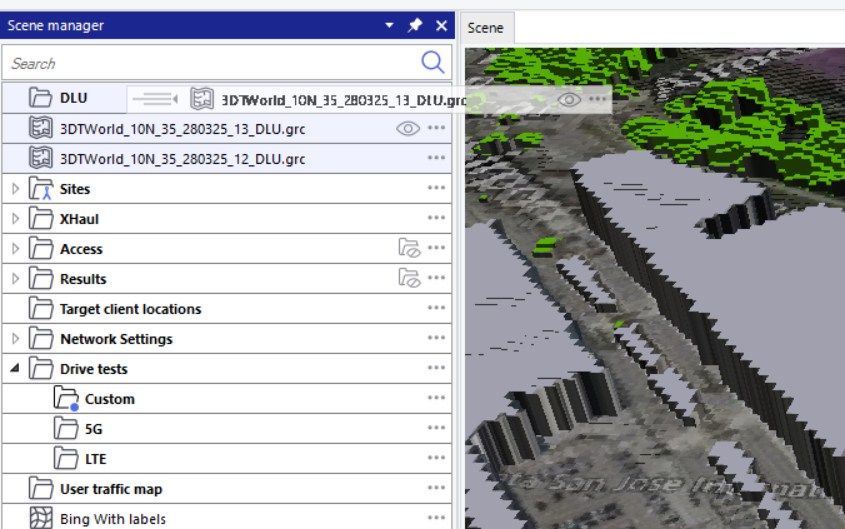
Select all the DLU layers that you want to move to this folder. Now drag and drop these selected layers into this new folder.
Your DLU layers are moved into the new folder.